
Blender 5.3 Beta: What's in the Release Landing November 10 and How to Test It Without Breaking Your Projects


Blender 5.3's public beta is out since October 8 and the final release lands on November 10: Material Lighting nodes in EEVEE, native Cycles dispersion, Vulkan by default on Linux and ripple editing in the Video Sequencer. What changes and how to test it safely.
What Blender 5.3 Beta Is and How Long It Lasts
Before getting into features, let's pin down the part that gets misread most on social media: this is a beta, not a release. The Blender 5.3 cycle opened its public testing phase on October 8, 2026, and keeps it open until November 4; the final release is scheduled for November 10. Meanwhile, development of 5.4 has already started in alpha.
October 8: Public Beta; November 4: Close; November 10: Release
That calendar has a practical consequence: any file you save with the beta is exposed to a feature changing before the release. The official development cycle notes are the only reliable source for dates; if a secondary site gives a different day, the official one wins.
5.2 LTS Is Still the Workhorse (Supported Until July 2028)
The recommended version for production is still Blender 5.2 LTS, released on July 14, 2026, with the 5.2.2 update and active support until July 2028. If you ship work to clients or publish projects, your working version is 5.2.
Read also

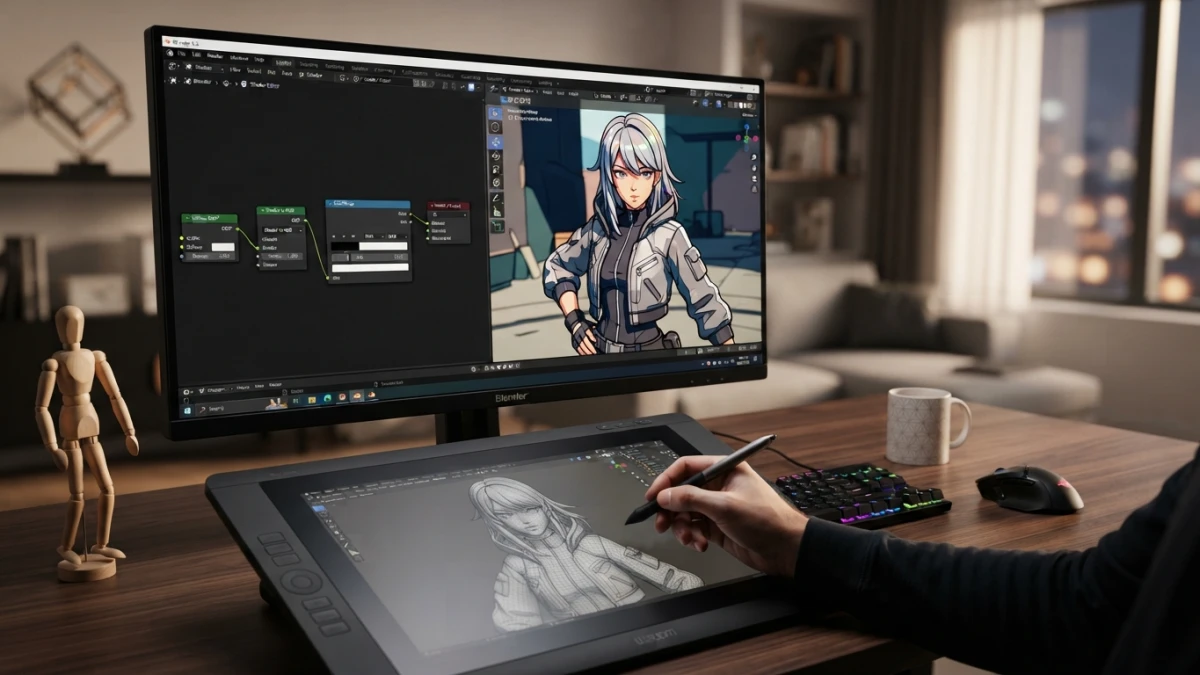
Beta Does Not Mean "It's Out": What You Are Actually Installing
A public beta is pre-release software: it includes features still being tuned and known bugs that get fixed in the following weeks. Installing it does not replace your stable version; the two live side by side in separate folders.
The Features That Change How You Work
Material Lighting Nodes: Materials That React to Every Light in the Scene
The loudest novelty in this beta is the material lighting nodes in EEVEE. They let you define with nodes how a material reacts to each light in the scene, exposing data such as the light's color, power and position. The flagship use case is cel shading that responds to lights and supports cast shadows, something that previously required hand-building shader tricks.
The honest framing: this is a tool aimed at stylized or NPR profiles. If you do photorealism, it won't change your day. And the important technical caveat: this is EEVEE, not Cycles. If you're coming from 5.2, we already covered the classic method of cel shading with EEVEE, Shader to RGB and Freestyle: what 5.3 changes is that this look no longer depends on workarounds.
Cel Shading Without the Tricks: From 5.2 Shaders to 5.3 Nodes
The difference isn't cosmetic, it's a matter of method. Where you once chained nodes to simulate the reaction to light, the lighting system itself now hands that information to the material. That simplifies the node tree and keeps the shading consistent when you move or switch off a light.
Native Cycles Dispersion: Glass and Prisms With Real Rainbows
The Principled BSDF gains dispersion inputs, so glass with chromatic dispersion no longer needs a hand-built stack of shaders. Dispersion is, in one sentence, the phenomenon where each color of light refracts at a different angle: it's the rainbow that comes out of a prism. What it costs: it's an expensive effect to compute, so in scenes with lots of glass you should raise the sample count and measure render time before and after.
Vulkan by Default on Linux: What You Gain and What to Check First
On Linux, 5.3 stops starting with the OpenGL backend and switches to Vulkan by default. The gain is a modern graphics backend and the doorway to new features; what you need to check is your GPU driver. The mandatory caveat: by default does not mean always faster. If your machine is old or the driver is out of date, it can run worse, and you can always switch back to OpenGL in the preferences.
Video Sequencer: Ripple Editing and a Renewed Editing Template
The classic "I drag a clip and everything falls apart" stops being a headache with ripple editing tools: clips reorder by pushing the timeline instead of leaving gaps. The video editing template is also renewed, with a Compositing workspace and a scrubbing region in the preview. Handy for anyone cutting previz, animatics or reels without leaving Blender.
The Rest of the List in One Line Each: Panoramic Cameras, Compositor, Grease Pencil, Workbench and DLSS
The beta also brings panoramic cameras in EEVEE, a new effects stack in the Compositor, Grease Pencil tools and hardware ray-traced shadows in Workbench, plus DLSS denoising and ARM64 builds. Beware: what's in beta today can change shape or move to 5.4 before release. And on Gaussian Splats: yes, they arrive in 5.3, but this blog already dedicated a post to them when Blender 5.3 added native Gaussian Splats import, so here we just link to them.
How to Test the Beta Without Breaking Your Projects
Separate Download, Separate Preferences
The beta coexists with your stable install: download the executable into a different folder and don't touch your working version's preferences. That way you can open and close both without one interfering with the other.
The Golden Rule: Open Copies, Never Originals
Files saved from a newer version may not reopen the same way in the previous one. So when you test the beta, always work on copies and never save your originals with it.
Five Concrete Tests, One per Feature
- Build a stylized scene with a single light and try the Material Lighting nodes: check whether the shading responds and casts shadows.
- Place a glass object and turn on dispersion in Cycles, comparing sample count and render time.
- Open a real project on Linux to see whether Vulkan starts and how the viewport performs.
- Cut three clips in the Video Sequencer and try ripple editing.
- Open your heaviest project to hunt for regressions: crashes, slowdowns or viewport denoising failures.
When Something Breaks: How to File a Useful Bug Report
A useful report on the official tracker includes the version and build hash, the steps to reproduce the issue, a minimal file and the expected versus actual result. Reporting during the beta is exactly what makes the final release better: there are already open reports for this beta in the tracker, including one about viewport denoising that worked in 5.2 LTS.
Should You Upgrade or Wait?
If You Ship to Clients: Stay on 5.2 LTS
If you make a living from this or deliver work to third parties, your version is 5.2 LTS and the beta only goes on a separate test machine. There's no urgency to move production to a beta.
If You Do Stylized Work, Animation or Video: Your Test Bench
If your work is stylized or you cut video, the beta gives you exactly what you were missing and is worth the testing time. If you're mid-way through a big project, on the other hand, don't touch anything until the final release. And if you work with texture-heavy scenes, our tutorial on Cycles Texture Cache in 5.2 still applies while 5.3 is in beta.
What Changes Between the Beta and the Final Release
Between the beta and the November 10 release what usually arrives are bug fixes and fine-tuning, not a revolution. A release is also not the same as "production ready": that's decided by how long it takes the community to validate each workflow.
Conclusion
For anyone doing stylized work, animation or video, the 5.3 beta is worth an afternoon of testing with copies of your files. For anyone shipping client work on deadlines, nothing changes today: stay on 5.2 LTS. And if you want to go deeper into your current workflow, you still have guides like UV mapping in Blender 5.2. On this blog we publish a Blender topic every week.














