
Blender 5.3 Imports Gaussian Splats Natively: Photoreal Captures Inside Blender, No Add-ons

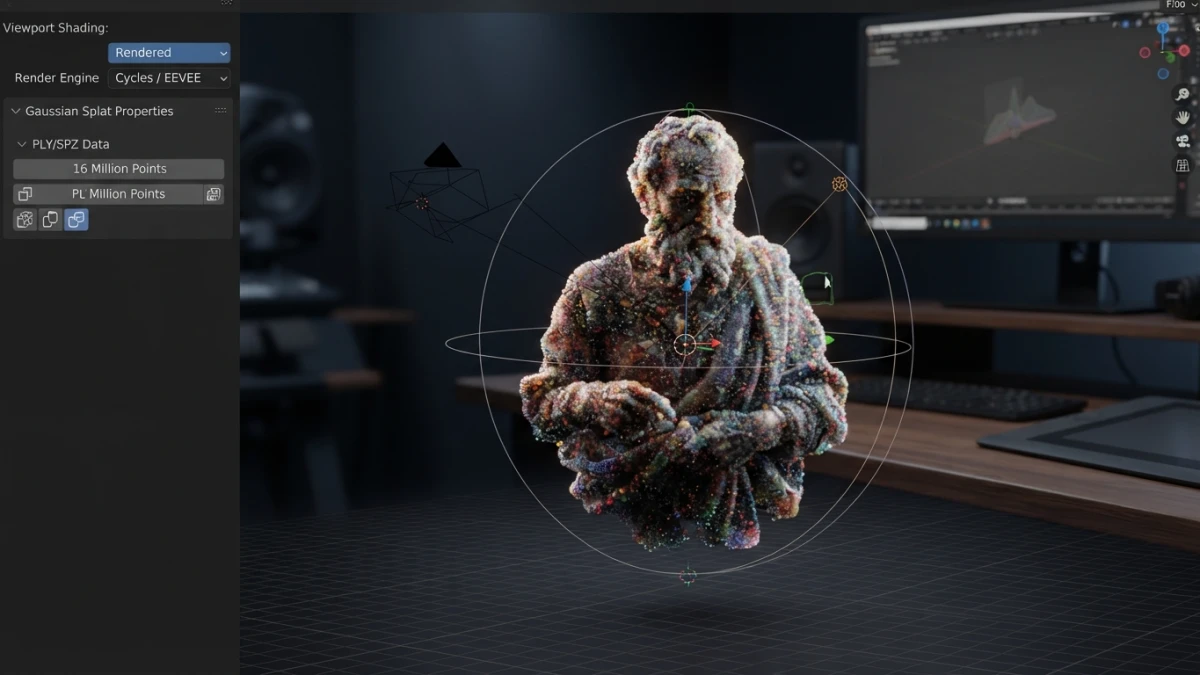
Gaussian splats in Blender are now native: since September 16 the app imports a PLY or SPZ file of a real capture and renders it in Workbench, EEVEE or Cycles, with no add-ons. Here is what you can already do, what you cannot, and why a splat is not a mesh.
What a Gaussian Splat Is and How It Differs From a Mesh
From Photogrammetry to Radiance Fields: Two Ways to Capture Reality
Classic photogrammetry, the kind that produces a model with Meshroom, reconstructs a surface and skins it with a texture: the result is a mesh with continuous geometry. A Gaussian splat describes the scene differently: thousands or millions of ellipsoidal blobs, each with colour and transparency that change depending on the viewing angle. A useful analogy is a mosaic of lights versus a sculpture: the mosaic reproduces the exact gloss of a polished surface, but it has no surface you can touch.
What a Splat Does Capture and What It Is Not
The advantage is in the reflections: a radiance field reproduces specular highlights, translucent surfaces and angle-dependent brightness that a flat texture flattens out. What it is not: a splat has no surface, so there are no collisions, no direct retopology and no deformation, and it moves as a rigid block. If the plan is to turn it magically into an editable model, the plan does not work.
What Blender 5.3 Actually Brings
The support is not a rough patch: the design came out of a task opened by Sergey Sharybin, the project's development lead, on June 2, 2026, built around the Point Cloud object and its attribute system. On September 16 the work implementing it was merged.
Read also
Importing PLY and SPZ: The Two Supported Formats
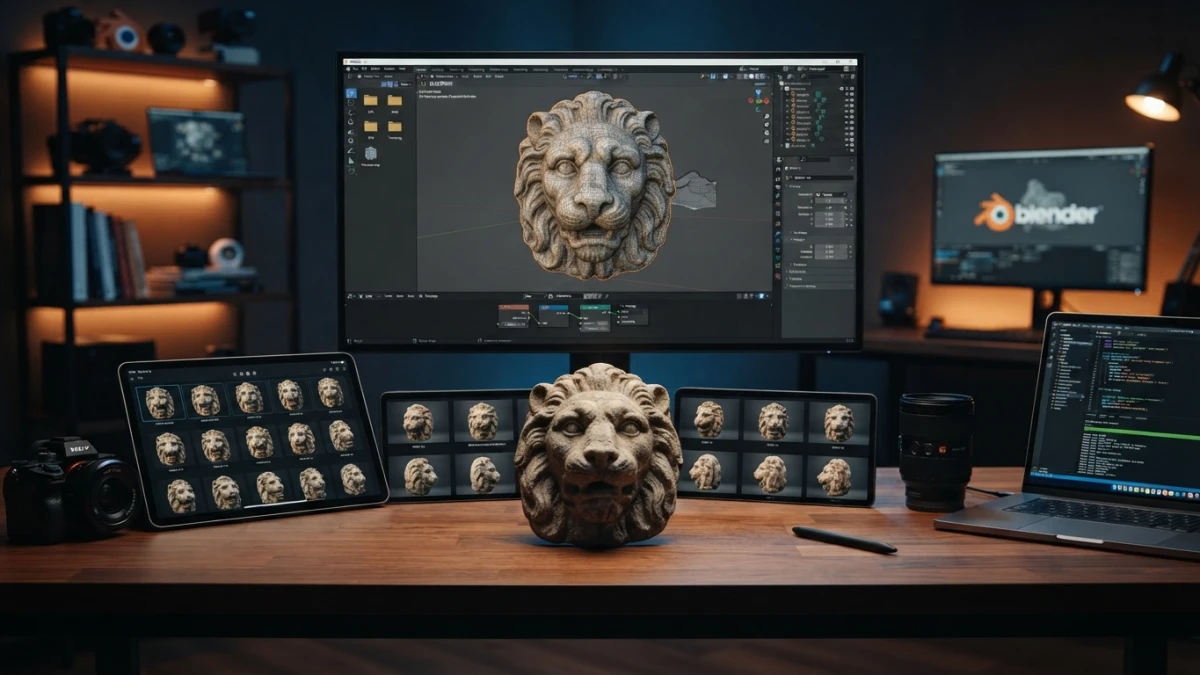
Blender 5.3 imports captures in PLY and in SPZ, Niantic's compressed format. Those are the two supported formats: anything else has to be converted first.
A New Data Type: The "3D Gaussian Splats" Point Cloud
The capture is stored as a point cloud with its own type, "3D Gaussian Splats", separate from the usual Points type. The Set Point Cloud Type node switches a Point Cloud data block between the two.
Rendering in Workbench, EEVEE and Cycles
Splats render in all three engines: Workbench for quick review, EEVEE and Cycles for the final image. People who have already tried the alpha report that after importing the PLY the object reacts to scene lights in EEVEE and Cycles; that is a user report, not an official spec.
Geometry Nodes: the Set Point Cloud Type and Import PLY Nodes
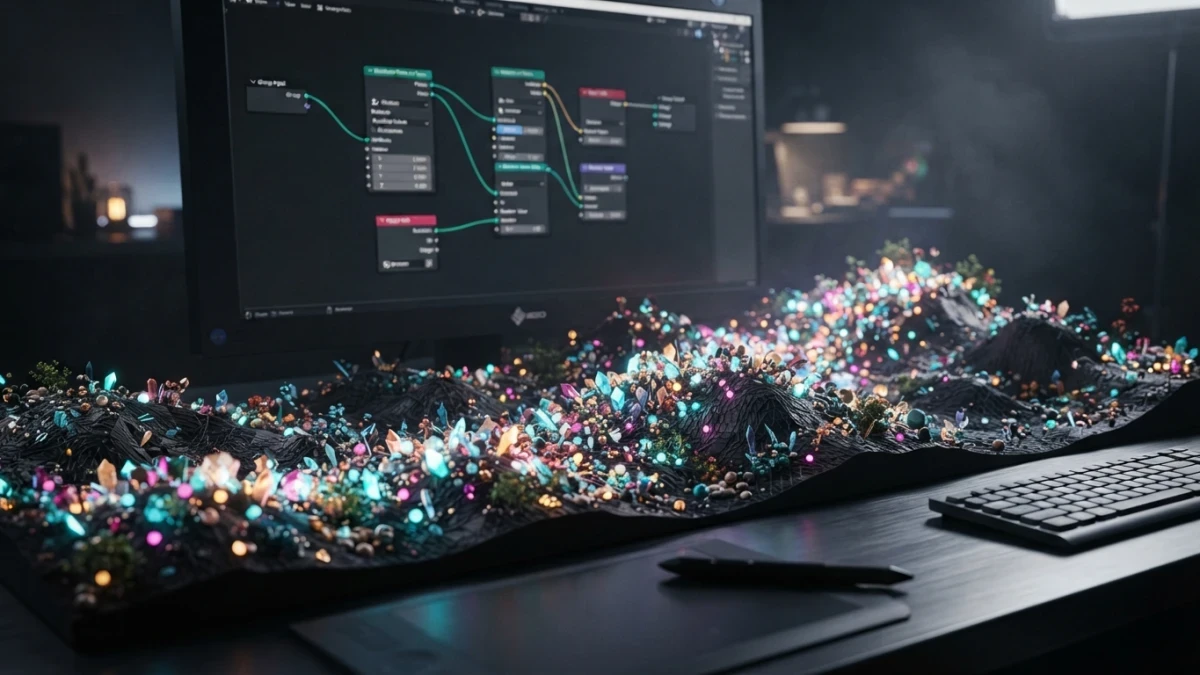
The Import PLY node recognises splat files and routes them to a PointCloud output; splats are also reachable from Geometry Nodes, which lets you treat them as data rather than just an object you drop into the scene.
A Step-by-Step Workflow
- Capture: photos or video of the scene, with enough coverage and no movement. A room shot with a phone, a shop interior or a facade all work as a first exercise.
- Train the splat outside Blender: building the radiance field still happens in external tools; that is where the work that used to require installing add-ons lives.
- Import and place: open the PLY or SPZ in Blender 5.3, scale it, orient it and position it in the scene like any other object.
- Light it and mix: light the whole set and combine the splat with your own meshes. Splat plus mesh is the combination that produces presentable results today.
The Limits Worth Saying Out Loud
You Still Cannot Export a Splat
Import and rendering are implemented; export is not. You can bring a splat into Blender, you cannot take one out.
It Is an Alpha: 5.2 LTS Remains the Production Version
Blender 5.3 is in alpha until September 30, 2026 and its release is planned for November 10, 2026. For stable production work, the recommended version is still Blender 5.2 LTS, supported until July 2028 with another patch planned for October 20.
Dataset Size, Performance and Hardware
A splat capture is a large dataset and behaves like a block that has to be in memory to be viewed. No performance or per-capture memory figures have been published: measure it on your own machine before dropping a splat into a project with a deadline.
Rights and Licensing of What You Capture
Capturing a place does not give you a licence over what you captured. That is a rights issue, not a software one: the same caution that applies to a photograph applies here.
When to Use It and When Not To
Good Cases: Backdrops, Set Extensions, Previz and Archviz
Good cases: photoreal backdrops, set extensions where the camera decides the framing, fast previz of a real space, and architecture presentations where how a material looks matters more than how it behaves.
Bad Cases: Interactive Assets, Deformation and Games
Bad cases: interactive assets, characters that deform, anything needing collisions or mesh animation, and games, because of the weight, the missing export and the rigidity of the splat.
What to Watch at This Week's Blender Conference 2026
The Blender Conference 2026 runs from September 23 to 25 at Felix Meritis in Amsterdam, with artist and developer talks and sessions published online. It is the natural place for splat work to surface, with no announcements promised.
Conclusion
Native Gaussian splat support in Blender 5.3 removes the add-on plumbing needed to import and render a capture: a real workflow change rather than a decorative feature. What does not change: a splat is still a rigid radiance field with no export, useful for backdrops and compositions, not a replacement for modelling. To compare with the classic path, read our guide to photogrammetry with Blender 5.2 and Meshroom and the tutorial on Geometry Nodes for beginners, because splats go through point clouds and nodes. Follow the blog for the rest of our Blender and 3D coverage.














