
Genie 4: Google's World Model Now Has Sound, Speech and Real-Time Steering

Google DeepMind unveiled Genie 4 on October 27, its most realistic world model yet: it now generates the sound of the scene, gives characters a voice and lets you change the world while you walk through it. It is still a closed preview, and it still lasts two minutes.
What Genie 4 Is, and How It Differs From a Video Generator
The difference is not image quality: it is what kind of object the model is.
A World Model, Not a Prompted Video
A video generator takes text, produces a clip and stops. A world model predicts the next state of a scene from what is happening in it and from what you do: either you choose the prompt once and wait, or you change your mind halfway and the scene responds. That is interactive simulation, and it is why Genie 4 behaves more like a testing environment than like a rendering tool.
What "Real Time" Means Here
Real time means the model does not render a clip for you to play back later; it generates what you see while you see it, at the pace of your actions. If the response lags, the feeling of being inside breaks.
Read also


The Four Updates in the Announcement
The Verge summed it up in four points: more realistic worlds, real-time scene changes with natural language, generated audio, and a Gemini model underneath helping with the simulation.
More Realistic Worlds
Better physics, more believable surfaces and lighting that holds up when the camera moves. It is the least flashy improvement and the one you notice most: a world that visually falls apart after ten seconds is useless.
Changing the Scene Mid-Simulation
You can type mid-simulation to move the camera, change the weather or bring in a character. It is not post-editing, and it is not a fresh prompt from zero: the world continues and corrects itself. For anyone prototyping, that is the difference between iterating ten times an hour or ten times a day.
Read also
Audio Generated in the Same Pass
Sound is not added afterwards: it is generated together with the image. Music, ambient noise and dialogue, coherent with what is happening in the scene.
Gemini 3.8 Flash as the Supporting Engine
There are Gemini models underneath the simulation. Gemini 3.8 Flash, from the fast line of the family, works as a guiding agent: it observes the scene and tracks progress while the world is generated.
Native Audio: Ambience, Music and Voice
It is DeepMind's first world model with native audio, and that changes how the scene is perceived.
Sound That Matches the Place
According to Google, every world carries the ambient sound of its own scenario, from wind in the trees to waves breaking on a beach. Audio can also be requested in the prompt, the same way as an object or a change of light.
Characters That Talk Back
The bigger leap, if it works, is human voice: characters that speak and respond inside the simulation. Ars Technica flagged it as the point where the announcement stakes its credibility, because a bad-sounding voice breaks a scene faster than any visual artifact. A world with dialogue opens cases that used to be scripted: simulated interviews, customer service drills, rehearsing a scene with someone inside it.
Humans That No Longer Look Robotic
What changed most compared with the previous version is not the landscape: it is the people.
Facial Expression and Body Motion
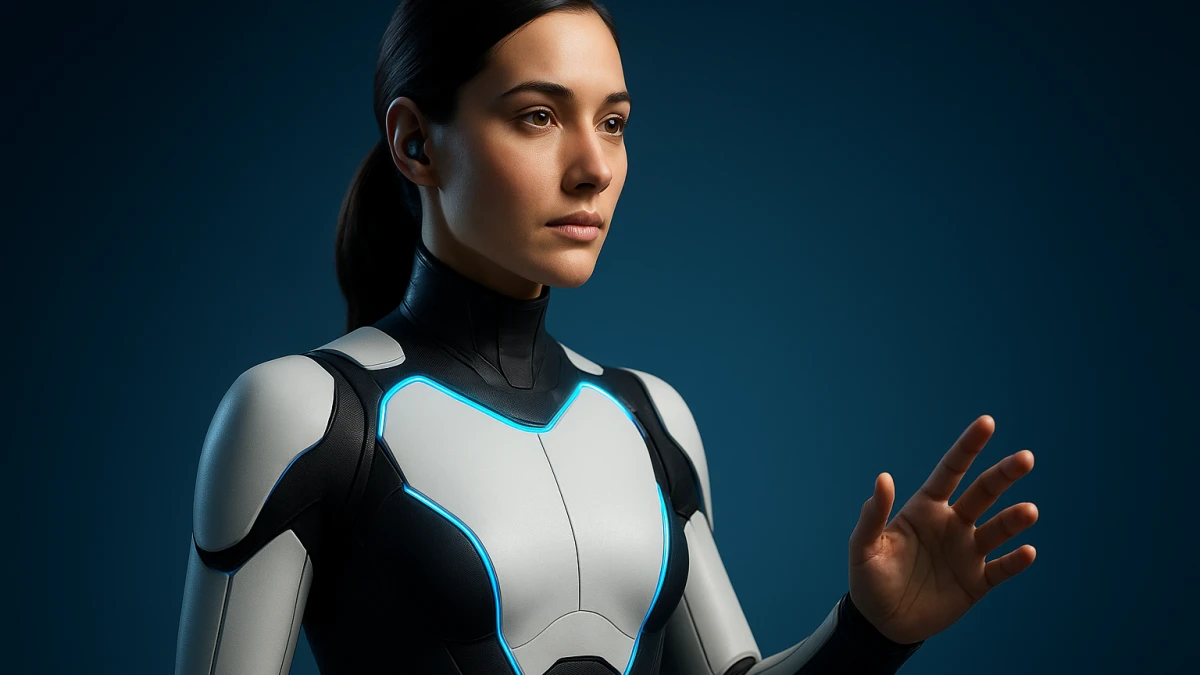
Skin, facial expression and body motion are smoother. Gizmodo framed it as the real differentiator against Genie 3, where bodies moved mechanically and faces stayed locked in a fixed expression.
The Concrete Difference From Genie 3
Genie 3 already produced explorable worlds, but humans were the weak link. Genie 4 doubles temporal consistency and fixes that piece. For animation, a character that walks and gestures believably for two minutes is a useful previsualization block; one that warps is not.
How It Is Built Inside
The architecture explains why the model can hold a scene together while you change it.
Gemini Omni Anchoring the World's Appearance
Gemini Omni anchors the simulation in the appearance and behavior of the real world: it is the piece that keeps wood looking like wood and water behaving like water when the model improvises what comes next.
The Guiding Agent and Real-Time Planning
Gemini 3.8 Flash observes the scene and tracks progress while it is generated. On top of that, Gemini 4 Argon can plan inside the simulation: break a task into steps and execute them in real time. We covered that model in our note on Gemini 4 Argon.
The Apptronik Apollo Checkers Example
The official example: the Apollo humanoid from Apptronik, simulated inside Genie 4 playing checkers, with the model breaking the task into steps. It shows what the agent adds, not that the system can train robots in production: that takes data, repetitions and validation on real hardware.
Two Minutes of Consistency: The Number That Rules
Genie 4 keeps a scene consistent for up to two minutes, twice as long as Genie 3. It is the least flashy figure in the announcement and the one that decides whether this is good for more than a demo.
What Breaks When the Simulation Runs Long
As the simulation runs long, the model starts forgetting details: an object moves, a door that was open is now closed, the light no longer matches the time of day. That is detail drift, the classic problem of chaining predictions on top of your own predictions.
Detail Drift, Audio and Unreadable Text
Testers and analysts point to three limits: detail drift in longer simulations, audio that does not always match the image, and text inside the world that cannot be read. DeepMind calls it an early, experimental model, which is exactly what a research preview is and why it does not replace a pipeline today.
How to Try It Today
Access is the most boring part of the announcement and the thing most people will look for.
Trusted Testers and the Waitlist
Genie 4 launched as a research preview for trusted testers, with an open waitlist. There is no date for general availability.
Project Genie, AI Ultra and API Access
In the coming weeks it will reach Google AI Ultra subscribers inside Project Genie, and early access partners through the Gemini API and Google AI Studio. Ars Technica notes it could extend to AI Pro and AI Plus over time, and reminds readers that everything runs through Project Genie, which limits what you can do. There is also no published price, resolution or benchmark data: Genie 3 was announced at 720p and 24 frames per second, but Genie 4 does not repeat those figures. A third-party test measured around 24 frames per second, and that is an external measurement, not a Google specification.
What It Means for 3D and for Developers
The honest question is whether this fits into a real workflow.
What Genie 4 Does Not Export
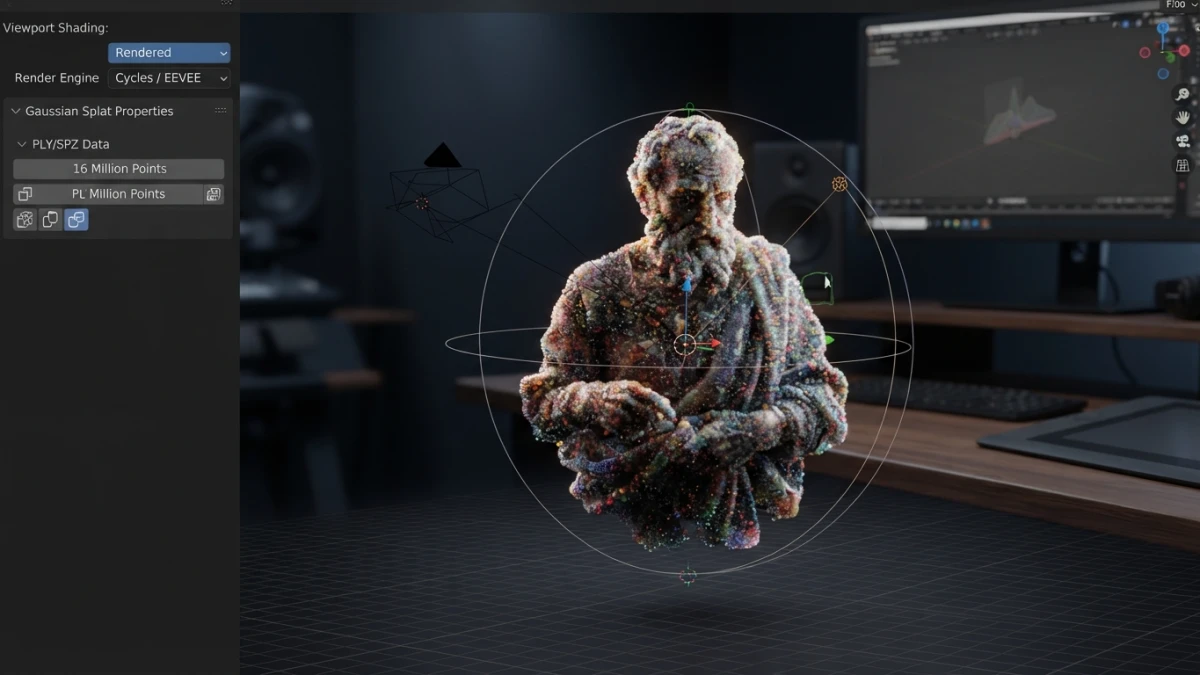
No export to Blender, glTF or a game engine has been announced. Genie 4 is for exploring and previsualizing, not for feeding a production chain: getting a real scene into Blender still takes a different route, as in native gaussian splat import in Blender 5.3. One generates an environment that responds; the other hands you editable geometry.
Metrics to Demand Before Adopting It
Before putting it in a workflow you need to measure three things: latency per step, cost per simulated minute and drift rate from the first minute on. None is published, so any purchasing decision is made blind.
Conclusion
Genie 4 does not replace a pipeline, but it changes what can be prototyped in an afternoon: an environment with sound, with people who move believably and with the option to correct it on the fly. The three missing numbers — resolution, price and latency — are the next story, and when they land we will come back to it. If the crossing of AI and graphics interests you, the rest of our coverage is on the blog, from generative video that now gets financed like infrastructure (id 1252) to the tools that actually land in your project.














