
Apple Puts Touch on the Mac: The PROLED XDR MacBook Pro and What Actually Changes for 3D

Apple put touch on a Mac for the first time and sold it with the exact line that matters to anyone who models: manipulating 3D objects with your fingers. The tandem OLED display peaks at 2,000 nits and the laptop starts at $2,899, $900 more than the M6 MacBook Pro with no touch.
What Apple Announced on October 28
At a Los Angeles press gathering called "Pro and Tell", Apple introduced the MacBook Pro with PROLED XDR Display: the first Mac with a touchscreen. Not a keynote, but a hands-on session with media.
A Three-Day Event: iPad mini, M6 iMac and the Touch MacBook Pro
Monday the 26th brought the iPad mini with the A20 Pro, an 8.5-inch OLED and IP67. Tuesday the 27th, the 14-inch MacBook Pro with M6 and the 24-inch iMac. Wednesday belonged to the touch model.
Pre-Orders, Shipping and Availability
Pre-orders opened October 28 in 30 countries and units arrive Friday, November 6. There is no euro or peso pricing, so these are the official U.S. dollar figures.
Read also
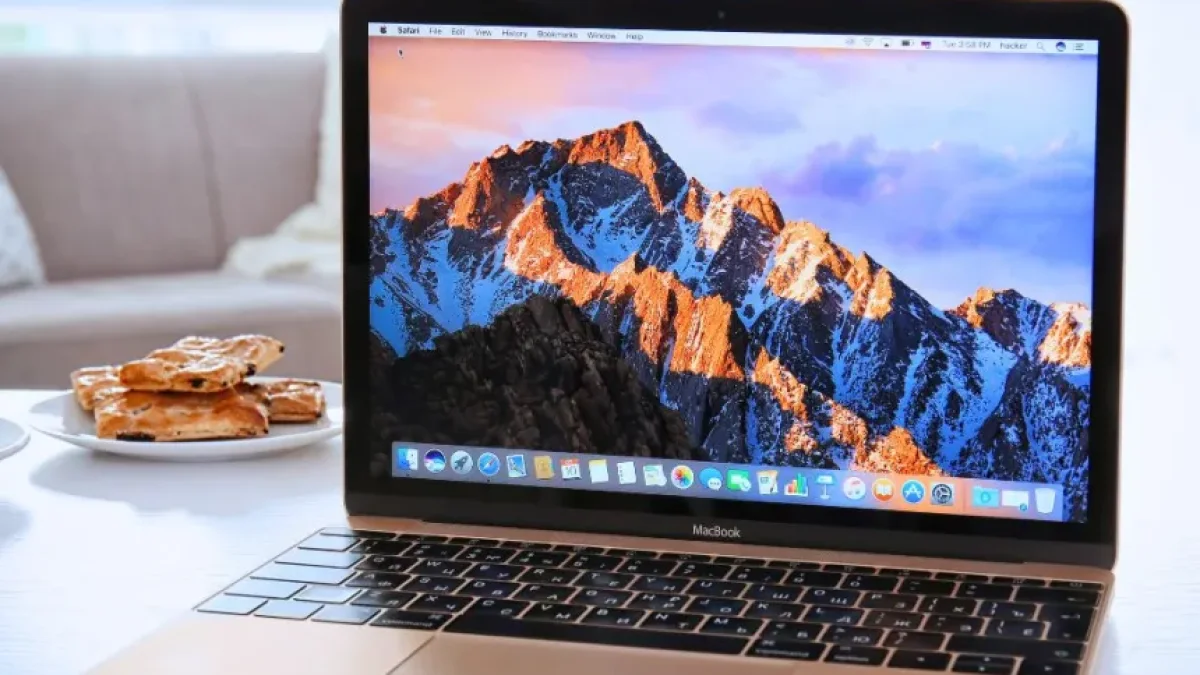
PROLED XDR: Why the Panel Matters More Than the Finger
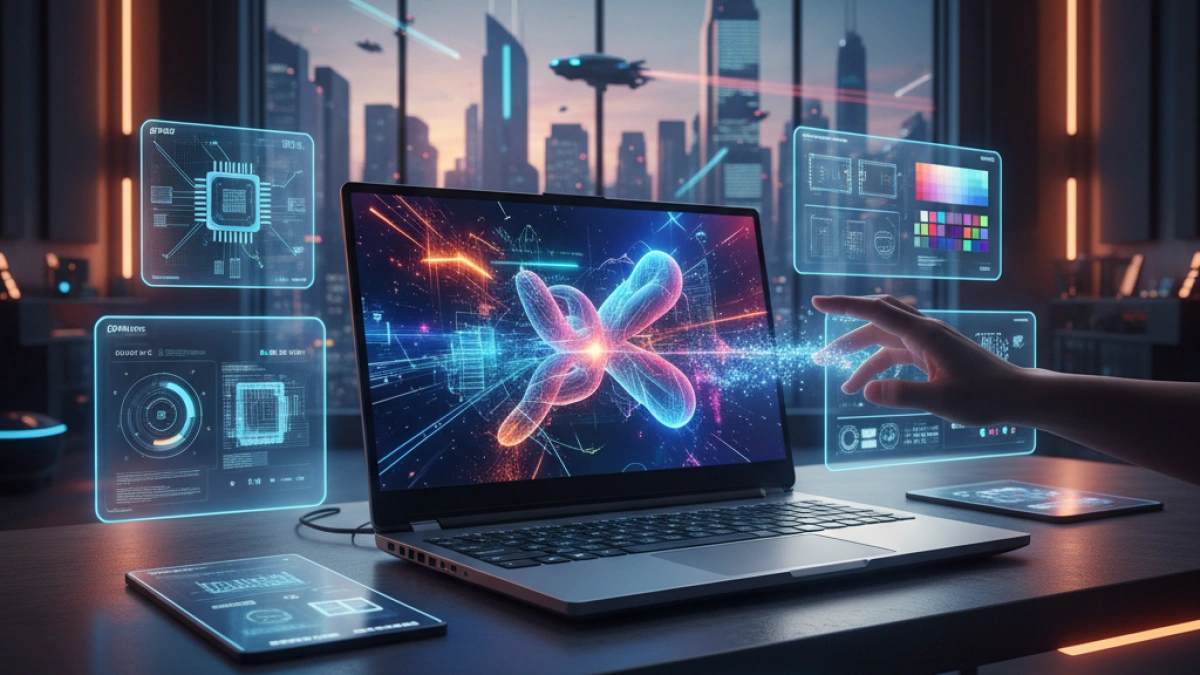
PROLED XDR is tandem OLED: two layers of self-emissive pixels stacked instead of one. Drive a single layer harder and you burn through its lifespan; with two, the same spot gets brighter without punishing the material.
Tandem OLED, 120 Hz and 2,000 Nits Peak
Apple claims 2,000 nits peak in HDR and in SDR, a 10,000,000:1 contrast ratio, ProMotion from 10 to 120 Hz, and a gamut covering P3 plus Adobe RGB, over 80 percent of Rec. 2020.
Extreme Dynamic Range and Factory Calibration
That label covers those two layers plus factory calibration, which Apple pitches as a portable reference display. A nano-texture option etches the antireflective treatment into the glass.
What It Means for Color and HDR Review
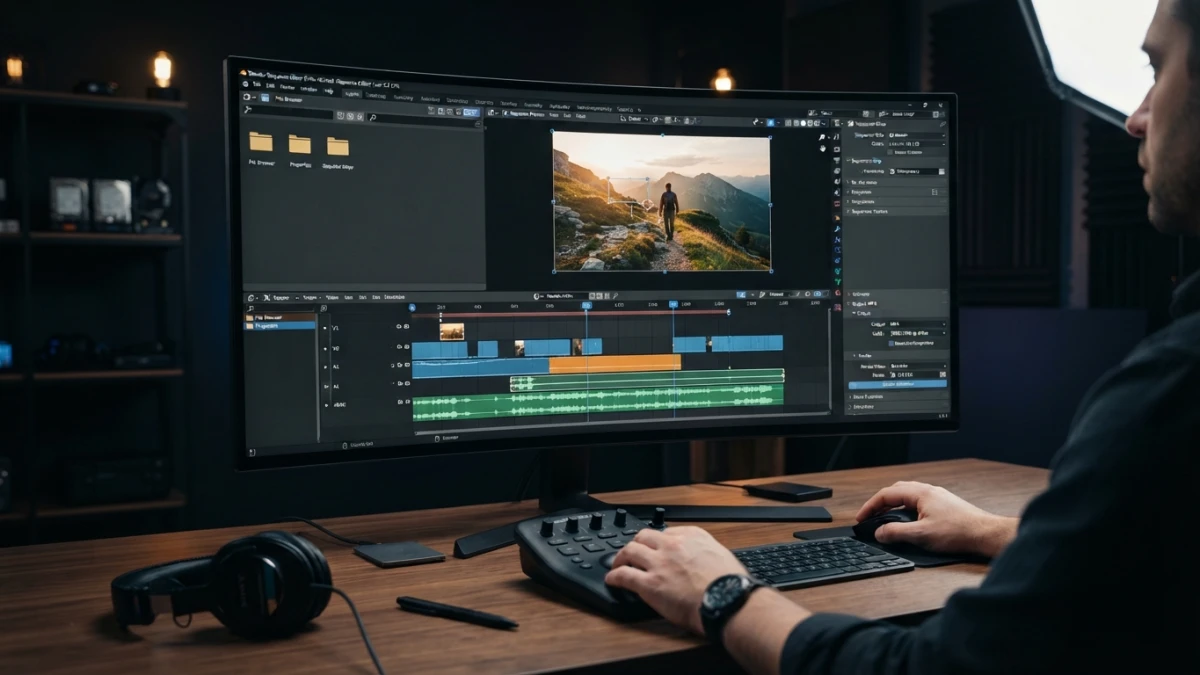
The number that changes your day is Adobe RGB plus that 80 percent of Rec. 2020: more room to catch a clipped green or an out-of-gamut cyan before export. If you review HDR in motion, that is the buying argument.
Touch on the Mac: What It Does and What It Doesn't
The sensor sits inside the panel rather than on a layer glued on top, and every gesture was designed for macOS instead of copying an iPad.
The Gestures Apple Showed
Swipe to scroll, pinch to zoom, drag slides around, draw on a canvas. In Apple's pro apps: a multi-touch keyboard in Logic Pro and range marking in Final Cut Pro. Then the line that opens this article.
The Software Came First: macOS 27 Golden Gate
macOS 27 has been out since September and the machine ships with Touch built in. That explains why the gesture feels native in Apple's software, and why nothing guarantees it elsewhere.
The Unanswered Question: Blender and Third-Party Apps
Apple never mentioned Blender, Maya, ZBrush or Houdini: everything on stage ran Apple's own software. Whether touch reaches a 3D viewport depends on APIs each app chooses to adopt. There was no Apple Pencil either, so with no stylus and no pressure the graphics-tablet comparison does not exist.
Chips and Configuration: The Naming Trap
M5 Pro and M5 Max, With No M6 in the Touch Lineup
The touch model ships only with M5 Pro and M5 Max, up to 128 GB of memory and 16 TB of storage. The M6 exists, but it lives in the $1,999 14-inch MacBook Pro, which has no touch.
Ports, External Displays and Battery
Three Thunderbolt 5 ports, HDMI, SDXC, MagSafe and a headphone jack; up to three external displays with M5 Pro and four with M5 Max; Wi-Fi 7 through the N1 chip. Apple promises up to 24 hours of battery and 50 percent in 30 minutes.
Pricing and the Rest of the Event
$2,899, $3,399 and $4,799
The 14-inch with M5 Pro starts at $2,899 and the 16-inch at $3,399. With M5 Max the entry points are $4,499 and $4,799. Against the $1,999 M6, the touch generation costs $900 more.
iPad mini With A20 Pro and the M6 iMac
The iPad mini adds an 8.5-inch OLED, the A20 Pro, IP67 and a $699 price. The 24-inch M6 iMac starts at $1,499 with 10 cores or $1,699 with 12. Everything ships November 6.
Is It Worth It for 3D, VFX and Development?
When Yes
If the panel is your decision tool — color, HDR, client review at your side — and you currently haul a separate reference monitor, it earns its price. If you are picking a 3D laptop, the buying guide is still the place to start.
When No
If you want power per dollar, the $1,999 M6 or a desktop gives you more. If you hoped to replace a graphics tablet with a finger, no: without stylus or pressure it is not the same tool. Day to day, a sensible setup for coding matters more than touch.
Conclusion
The real story is that an Apple laptop now ships a reference-grade 2,000-nit panel with Adobe RGB; touch is the promise that still has to prove itself in apps that are not Apple's. If you also cut video on the machine, the Blender editing workflow tells you whether the panel changes your work.














