
Blender 5.2 LTS: Node-Based Physics — Hair and Cloth with the New XPBD Solver

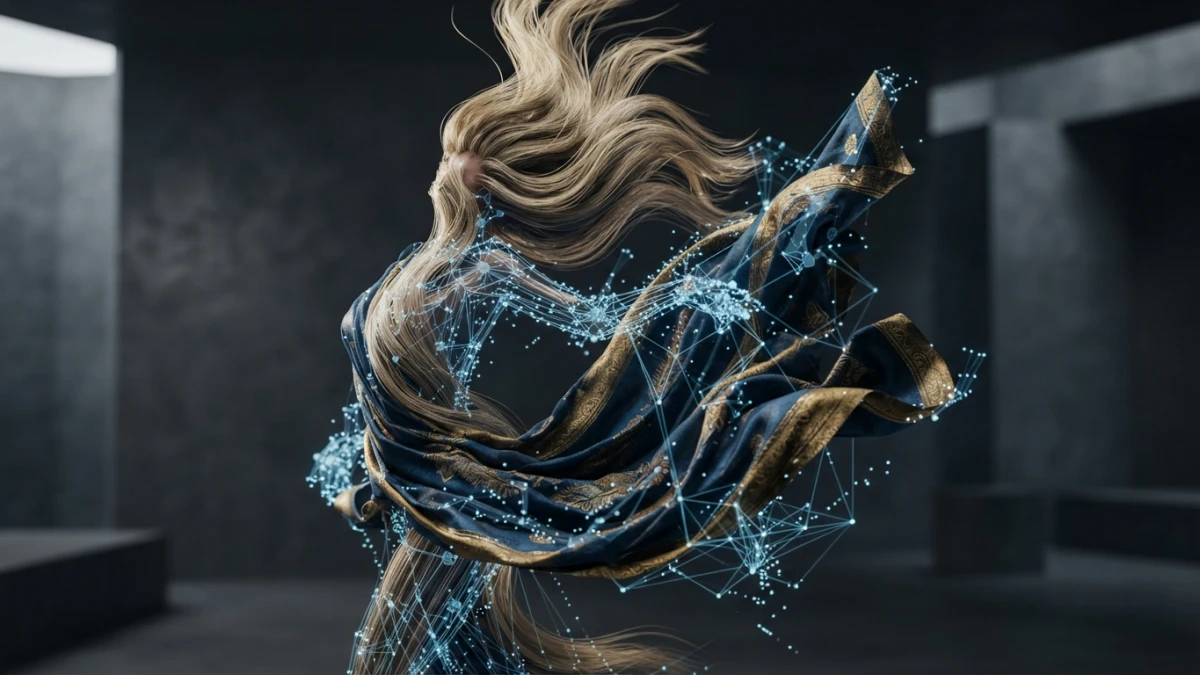
Blender 5.2 LTS, released on July 14, 2026 as the first LTS of the 5.x series, moves physics into Geometry Nodes: hair and cloth are simulated with the XPBD Solver node and built-in assets. Here is how the new system works and how to start using it.
What Blender 5.2 LTS Is and Why Node-Based Physics Matters
The 5.2 is the first long-term support release of the 5.x series: two years of guaranteed updates, under the motto of "node-powered physics, online asset libraries". For artists, the deepest change is not in rendering or the interface, but in how simulation works: physics stops being a set of separate modifiers and moves fully into the node editor.
The First LTS of the 5.x Series: Supported Until July 2028
The 5.2 support cycle runs until July 2028, which makes it the natural choice for studios and long projects that need stability. Blender LTS releases guarantee that files and workflows keep working without surprises for years, and 5.2 ships node-based physics as an official system, not as an experiment.
From Separate Physics Modifiers to the Node Editor
In earlier versions, simulating cloth meant adding a Cloth modifier, tweaking its panels, and hoping the mesh behaved. The 5.2 flips that approach: simulation is built inside Geometry Nodes, where the data flow is visible, editable, and reusable. The hair and cloth dynamics system in this version is implemented as built-in node group assets, that is, factory nodes you can drag into your graph and edit like any other group.
Read also


The XPBD Solver Node: The Heart of the System
The whole system revolves around the XPBD Solver node. XPBD (Extended Position Based Dynamics) is a simulation method that solves constraints by iterating over positions instead of forces, giving stable results with large time steps and predictable control. In Blender 5.2, this node is what runs the simulation over the data it receives.
Structural Constraints: Edge Length and Bending
The solver works with structural constraints, mainly edge length and bending. The former keeps the distance between neighboring vertices, giving the material its stiffness; the latter resists folding and defines how much the surface wrinkles or pleats. Tuning these two values controls whether a cloth falls like silk or stays stiff like canvas.
Typed Bundles and the World Input
The XPBD Solver expects data in a specific format called Typed Bundles, typed groupings of geometry that arrive through its World input. The bundle defines which parts of the geometry take part in the simulation and in what role. You do not need to build them by hand: dynamics nodes such as Cloth Dynamics generate them for you, but understanding the concept helps when something does not behave as expected.
Cloth Dynamics: Fabric in Geometry Nodes
The Cloth Dynamics node is the fastest way to simulate fabric in 5.2. It automatically sets up the required structural constraints and the usual effectors, and feeds the result into the XPBD Solver so the simulation advances.
Setting Up Gravity, Damping, and Collisions
The main controls are gravity, damping, and collision. Gravity pulls the cloth down and can be scaled or disabled for weightless effects; damping absorbs energy and stops the fabric from oscillating forever; collision makes the cloth interact with other meshes instead of passing through them. For a believable animation, raise the collision of the target mesh and lower the damping until you find the point where the cloth settles without jittering.
Example: a Cloth Falling Onto a Mesh
To try it in two minutes: create a plane with several subdivisions, place a sphere or cube on top as the obstacle, and add a Geometry Nodes modifier with a minimal graph of three nodes: a geometry input node, the Cloth Dynamics node, and the XPBD Solver chained together. Hit play on the timeline and you will see the plane fall, fold over the obstacle, and settle into creases. From there, it is all iteration: more subdivisions, more stiffness, or different damping, and the same graph works for tablecloths, curtains, or flags.
Hair Dynamics: Simulated Hair as an Asset
The Hair Dynamics asset applies the same logic to hair: instead of animating curves by hand or using the old physics system, you define hair as curves over a surface and the asset simulates the motion based on the surface geometry and the effectors.
Using It as a Modifier or as a Node
Hair Dynamics can be used in two ways: as a modifier on a curves object for a quick workflow without touching the node editor, or as a node inside Geometry Nodes when you need to integrate it into a larger graph. The second option is where the new system shines: the asset takes the hair curves with their corresponding surface geometry and animates them according to the surface movement, gravity, and the rest of the effectors.
Hair Curves Over Surface Geometry
The typical workflow is to generate the hair curves over the character's head or body with the usual curves system and connect Hair Dynamics. When the character moves, the hair follows the surface with a natural delay: strands sway, collide with each other, and return to rest. For long manes, raise the number of simulation points per curve; for short, stiff hair, reduce bending and increase damping.
The XPBD Simulation Framework: a Declarative System
Beyond the solver and the dynamics nodes, 5.2 includes the XPBD Simulation node asset, a declarative framework built around the XPBD Solver for assembling simulation geometry and components without writing low-level logic. It is the layer that lets you combine several dynamics in the same graph, reuse configurations across scenes, and share setups with other artists as assets. This is the first version of the system, and Blender has already published evolution plans, so what you learn now will be the foundation of simulation in upcoming releases.
More 5.2 LTS Highlights at a Glance
Node-based physics is not the only thing 5.2 brings. The release includes several improvements that affect the artist's daily workflow.
Online Asset Libraries and the Cycles Texture Cache
Asset libraries can now connect remotely, so a team shares a central library without copying files over the local network. On the rendering side, Cycles gains a texture cache that avoids reloading and processing the same images every frame, a noticeable relief in scenes with many high-resolution textures.
Thin Wall in Principled BSDF and the New Grease Pencil Fill
The Principled BSDF shader debuts a Thin Wall mode, designed for materials such as glass, plastic, or paper where the object's thickness can be treated as negligible, with better results at lower cost. In Grease Pencil, the fill uses a new Delaunay triangulation algorithm with automatic hole detection and more speed, accelerating the coloring of 2D animations. There is also a Scene Project brush and an Add Primitive operator in sculpting, plus EEVEE usability fixes.
Conclusion
Blender 5.2 LTS does not add one more modifier: it changes how you think about simulation. With the XPBD Solver, Cloth Dynamics, and Hair Dynamics inside Geometry Nodes, physics becomes declarative, reusable, and part of the same visual language you already use for modeling and scattering. If you master nodes, simulation is one graph away. To keep exploring, check out the Geometry Nodes beginner guide and the Cycles vs EEVEE comparison on this same version.














