
FFmpeg: The invisible tool that transforms your audio and video.

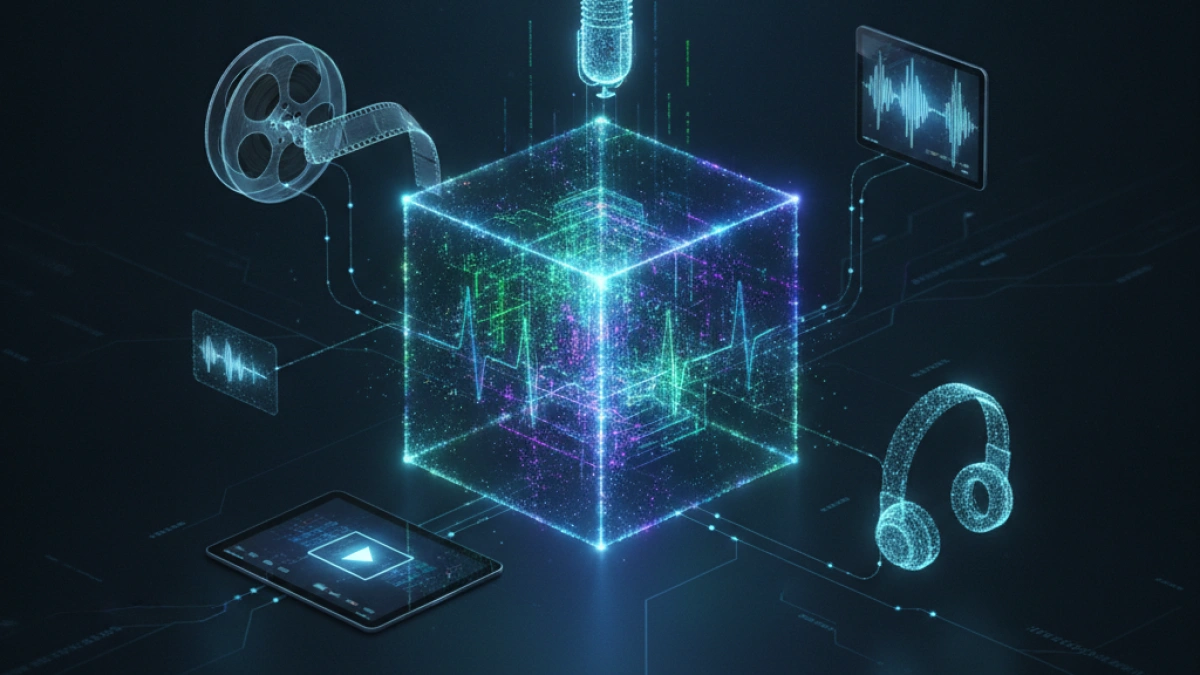
The audiovisual industry is supported by a complex network of technologies that, although invisible to most users, are essential for the daily operation of platforms and applications. One of the most powerful and least known tools in this field is FFmpeg. This piece of software has revolutionized the way we interact with audio and video files, becoming an invaluable resource for both professionals and enthusiasts. Below, we explore what FFmpeg is, its capabilities, and its relevance in today’s digital world.
What is FFmpeg?
FFmpeg is a free and open-source software project that allows for the recording, conversion, editing, and streaming of audio and video in almost all existing formats. Founded in 2000 by Fabrice Bellard, its name is derived from "FF", which stands for "Fast Forward" (like the fast forward button on old video players), and "mpeg", the media compression standard.
Unlike video editors with graphical interfaces, such as Adobe Premiere Pro or DaVinci Resolve, FFmpeg operates via a command line. This means that, although it does not have visible menus or buttons, it offers unmatched speed and lightweight operation, as well as the possibility of automation. Additionally, FFmpeg is cross-platform, running seamlessly on operating systems like Windows, macOS, Linux, and even mobile devices like Android and iOS.
What can you do with FFmpeg?
The versatility of FFmpeg is astonishing. In simple terms, if a file contains audio or video, it is likely that FFmpeg can manipulate it in various ways. Some of its most common applications include:
Read also

Transcoding (format conversion)
FFmpeg allows the conversion of multimedia files from one format to another in just seconds. For example, you can change a video from .avi to .mp4 or audio from .wav to .mp3 without complications.
Compression
This tool can reduce the size of bulky video files, making it easier to send them by email or upload them to the internet, all while maintaining almost intact quality.
Track extraction
FFmpeg offers the ability to separate audio from a video, or extract subtitles embedded in a movie, allowing for more flexible handling of multimedia data.
Read also
Quick editing
With FFmpeg, it is possible to perform simple edits such as cutting clips to the exact length desired, joining multiple videos, rotating vertically recorded footage, and even changing playback speed.
Audio-visual filters
The tool allows you to apply filters to the production, such as adding watermarks, adjusting brightness, modifying resolution, and applying noise effects to audio.
Real-time streaming
FFmpeg facilitates screen or webcam capture and live streaming to platforms using protocols like RTMP or HLS, becoming essential for content creators and streamers.
The invisible giant: Who uses FFmpeg?
Although many users do not interact directly with its command line, FFmpeg is indirectly used in a wide variety of software and platforms, underscoring its relevance. Here are some examples of programs that rely on FFmpeg:
- VLC Media Player: Uses FFmpeg codecs to play any available format without the need for additional installations.
- YouTube and Twitch: Both platforms employ FFmpeg technology to process uploaded videos and convert them to various resolutions on their servers.
- Blender and Handbrake: Use the FFmpeg engine for rendering and exporting final projects.
- Plex and Jellyfin: Utilize this tool for real-time transcoding of movies, adapting to the device that is playing the content.
Three basic commands to overcome the fear
To start using FFmpeg, you only need to open your system's terminal and have the software already installed. Here are three basic examples that illustrate the power of this tool:
- Convert a video format:
ffmpeg -i original_video.mov converted_video.mp4
- Extract audio from a video in MP3:
ffmpeg -i video.mp4 -vn -q:a 2 extracted_audio.mp3
- Reduce resolution to 720p:
ffmpeg -i video_1080p.mp4 -vf scale=1280:720 video_720p.mp4
These commands enable complex tasks to be performed in seconds, without the need to open heavy programs or pay for subscriptions.
Conclusion: Is it worth learning to use it?
Definitely, knowing and being able to use FFmpeg is a valuable skill. For developers, content creators, video editors, and even general curious users, understanding the basics of this tool can result in a much more efficient working experience. FFmpeg saves time, eliminates the need to download conversion programs with watermarks, and provides total control over multimedia files.
Did you know about the existence of FFmpeg, or do you already use it in your daily life? This tool has become an essential ally in the manipulation of audio and video files in the digital world.
I invite readers to continue discovering more about useful tools and practical advice in this blog.














