
Grease Pencil in Blender 5.2 LTS: 16 New Features for 2D Animation and Storyboards

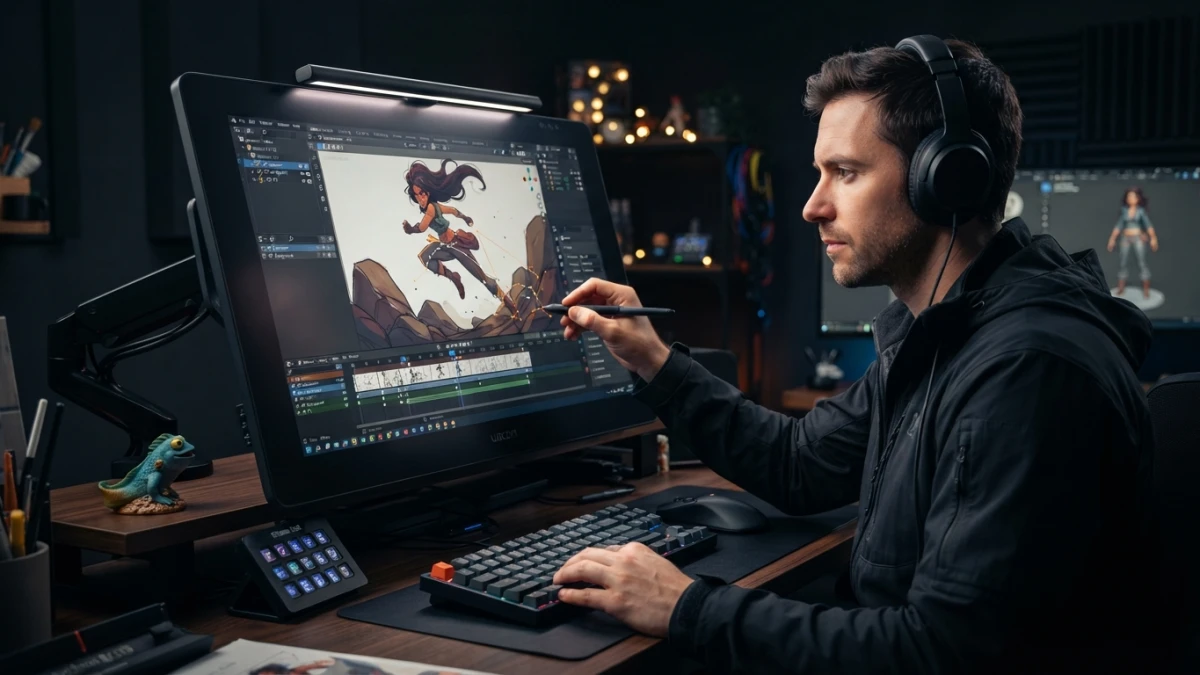
Blender 5.2 LTS, released in July 2026, ships the biggest Grease Pencil update since version 3.0: a Delaunay fill that detects gaps on its own, Bézier curve-based strokes, and 23 free textured brushes for 2D animation and storyboards.
Blender 5.2 LTS: What Long-Term Support Means
The 5.x series of Blender got its first long-term support release in July 2026. The LTS label is not a marketing detail: it means the team maintains this version with corrective updates for two years, until July 2028, while regular releases keep their usual cadence. For studios and professionals, it is the conservative choice by definition: you can freeze your workflow on a stable version without being forced to migrate every few months, which matters a lot in a production pipeline with plugins, scripts, and custom setups.
Guaranteed Updates Until July 2028
During that period, Blender 5.2 LTS receives bug and security patches without functionality changes that would break existing work. It is the same scheme popularized by the 4.x LTS releases, now applied to the 5.x line. The practical takeaway: if you produce 2D or 3D content for clients, building your pipeline on an LTS removes the release calendar from your plate and lets you plan migrations when it makes sense, not when a release forces you to.
What Else 5.2 Brings: Node Physics and Online Asset Libraries
5.2 is not only Grease Pencil. The official release summary highlights node-powered physics, online asset libraries, and sculpting improvements, among other things. It also updates the internal libraries to the VFX platform 2026 standard: Python 3.13, OpenColorIO 2.5, OpenEXR 3.4, and OpenVDB 13.0. For anyone working in a studio environment, that alignment with the VFX ecosystem is as important as the new features, because it makes exchanging files with other pipeline tools much easier.
Grease Pencil: The Biggest Update Since 3.0
The 2D drawing system in Blender has not seen a leap like this since 3.0. The 5.2 beta packs more than 16 improvements, led by the new Delaunay fill solver, faster material rendering for dots and squares, support for Bézier, NURBS, and Catmull-Rom curve strokes, and a set of 23 free textured brushes. These are not cosmetic tweaks: they change how you ink and fill, which is the heart of the 2D animation workflow in Blender.
The New Delaunay Fill
The star of the update goes by the name Fill Good Ink: a fill algorithm based on Delaunay triangulation that replaces the old pixel-based flood fill. The paradigm shift is significant, because filling stops being a painting operation on the viewport and becomes a geometric calculation over your strokes.
Exact Geometry from Boundary Strokes
Instead of flooding pixels from a starting point, the solver builds a triangle mesh from the boundary strokes you draw. The result is real, exact geometry that behaves like part of the vector drawing: you can move it, deform it, and animate it like any other Grease Pencil element, without the jagged edges and leftovers the pixel fill used to leave behind.
Automatic Gap Detection and Inverse Filling
Contours no longer need to be perfectly closed. The algorithm detects gaps automatically and fills what it should, ignoring the small openings that previously forced you to retrace the stroke millimeter by millimeter. It also includes inverse filling: you can tell it to fill the outside of a contour instead, which is very handy for silhouettes and masks. For anyone inking panels by hand, this gap detection is one of those features you notice within the first five minutes.
Zoom-Independent Results, Much Faster
The old fill depended on viewport resolution: zoom into a stroke and the result changed, sometimes with artifacts. The Delaunay solver computes geometry from the strokes, not from the screen, so the fill is identical no matter how much you zoom. Performance also takes a noticeable leap, which is welcome in scenes full of panels or dense strokes, typical of storyboards and animation.
Strokes as Curves: Bézier, NURBS, and Catmull-Rom
The second big addition is that Grease Pencil strokes can now be defined as vector curves. Until now, a stroke was a polyline of points; in 5.2 you can pick Bézier, NURBS, or Catmull-Rom while drawing.
Clean, Editable Vector Lines
The practical benefit is twofold. First, cleaner lines: a Bézier curve produces a smooth stroke without the stepping that sometimes crept into freehand lines. Second, post-editing: you can go back and manipulate the curve's control points after drawing, adjusting the line shape without retracing it. For character inking and line cleanup, this workflow gets much closer to what vector illustration programs offer.
Textured Brushes and Material Rendering
23 Free Brushes Included
The update adds 23 new textured brushes that ship with the installation as part of the online essentials asset library. They are designed to deliver finishes that previously required hand-built materials: watercolor, ink, charcoal, and pencil textures that work directly on the stroke. Work like Gaku Tada's, which combines Deep Paint with Grease Pencil to achieve watercolor-effect trees, shows how far textured brushwork can go when you push it.
Faster Dots and Squares Rendering
Material rendering based on dots and squares, widely used in look dev and preproduction to give a sketch feel, has also gotten noticeably faster. It is a quiet change but an important one in animation workflows where hundreds of test frames get rendered.
Hands-On: Inking and Filling an Animated Panel
To see it in action, build an animated panel in five minutes. First, add a Grease Pencil object and draw the closed contour of the panel with the pencil, leaving the area you want to fill surrounded by the stroke. With the stroke selected, apply the new fill from the toolbar: the Delaunay solver generates the fill geometry instantly. If there is an opening, gap detection kicks in; if you need the outside instead, enable inverse filling. Then switch the stroke type to a Bézier curve to clean up the main lines and apply one of the new textured brushes for the finish. Finally, turn on auto keying, move a couple of elements at frame 1 and frame 24, and you have an animated panel without leaving Blender.
Conclusion
Grease Pencil in Blender 5.2 LTS evolves from a functional drawing system into a 2D animation tool with solid geometric foundations: Delaunay fill with gap detection, editable vector strokes, and a batch of textured brushes that improve the finish with zero extra setup. If you work with storyboards, animation, or illustration, 5.2 LTS is a good time to upgrade: you get two years of support ahead and the fastest inking and filling workflow yet. Keep reading the blog for more Blender tutorials, animation, and development content.














