
Laravel 13 Events and Listeners: Decouple Your Business Logic

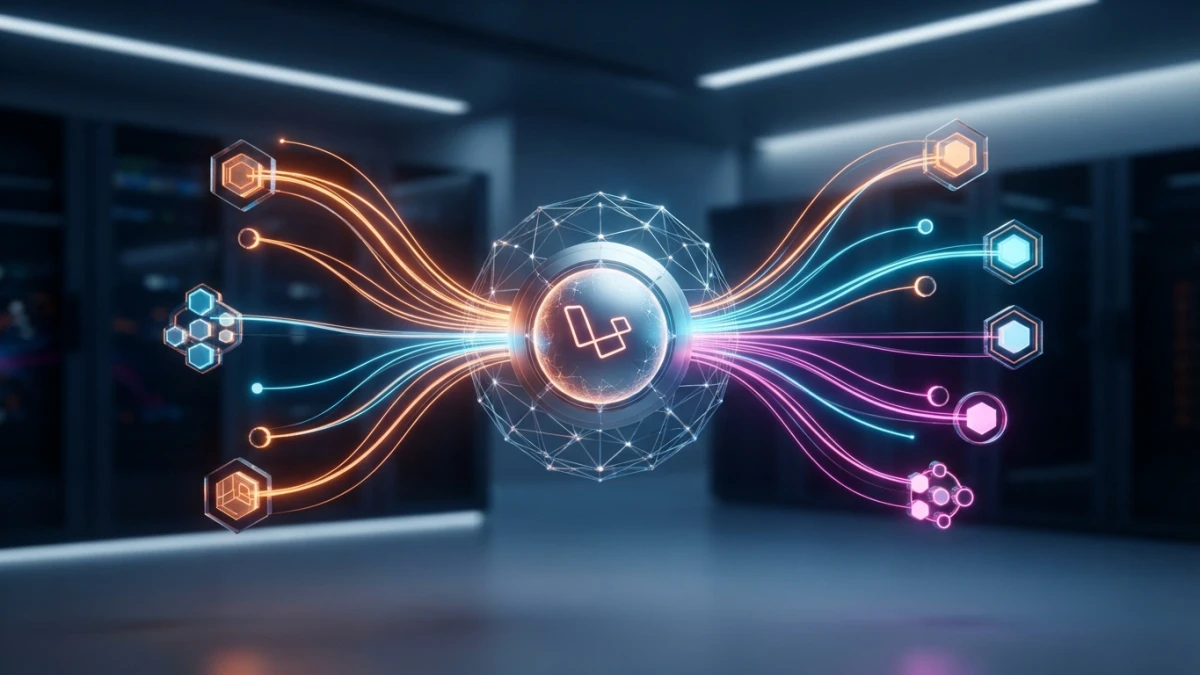
Publishing a post chains emails, cache invalidation, and logs: in Laravel 13, events and listeners implement the observer pattern so the controller only says what happened, and with event discovery you don't even need to register them by hand.
The Problem: Controllers Overloaded with Responsibilities
A controller that publishes a post and also sends the notification email, invalidates the page cache, and writes to the log becomes an endless list of coupled calls. Every time someone adds a new task to the flow, you have to touch the controller, and the controller ends up knowing too much about the rest of the application. That is exactly the problem solved by the event system in Laravel 13, released on March 17, 2026.
The Observer Pattern: the Emitter Never Knows Its Listeners
Laravel's event system is an implementation of the observer pattern: the event describes what happened in the application, and listeners react to that fact, without the emitter knowing who is listening or how many there are. By convention, event classes live in app/Events and listeners in app/Listeners, though you can place them anywhere as long as autoloading finds them.
When to Use Events (and When Not To)
Events shine when a domain fact has several reactors or when you know more will appear later: publishing content, registering a user, charging an order. Do not use them for trivial synchronous logic that only the controller reads, because you would add a layer of indirection with no benefit. And do not confuse them with their neighbors: a job is a concrete queued task, a notification is the delivery mechanism (email, database, Slack) that usually acts as a listener, and broadcasting pushes events to the browser, a separate layer built on the same system.
Creating an Event and a Listener in Laravel 13
The fastest way to start is with the artisan generators, which create the classes and leave them ready to fill in.
php artisan make:event and make:listener --event
php artisan make:event PostPublished
php artisan make:listener SendPostNotification --event=PostPublished
The second command does the heavy lifting: it imports the event class and type-hints the handle method parameter automatically, so the listener is wired to the event without writing an extra line. Generated listeners also come with the ShouldQueue interface already imported, ready for when you want to queue them.
The Structure of app/Events and app/Listeners
The event is a simple class: its constructor receives the data about what happened and usually exposes public read-only properties. The listener receives the event instance in its handle method and runs the reaction. Keeping that separation is what lets you add new reactions without touching the emitter.
Registering Listeners: Event Discovery
In Laravel 13 you do not need to register listeners by hand in most cases: event discovery handles it.
How Scanning app/Listeners Registers handle and __invoke Methods
By default, Laravel scans the app/Listeners directory and automatically registers any method that starts with handle or is __invoke and whose parameter type-hints an event. If the listener receives PostPublished, Laravel associates it with that event with no extra configuration. It is the default behavior, so you only create the classes and they work.
Manual Registration in EventServiceProvider When Needed
Manual registration is still available and makes sense when the listener is not in app/Listeners, comes from a package, or you prefer an explicit list. In the EventServiceProvider:
protected $listen = [
    PostPublished::class => [
        SendPostNotification::class,
    ],
];
Events listed here are registered even when discovery exists, so both approaches coexist without issues.
Dispatching the Event
Once the event exists, firing it from anywhere in the application is a single line.
event() and dispatch(): With or Without the ShouldDispatch Interface
The event() helper always works and is the most direct route:
event(new PostPublished($post));If the event class implements the ShouldDispatch interface, you can also fire it with the static dispatch() method, which is handy in controllers and tests because it removes the new keyword:
PostPublished::dispatch($post);Passing Data to the Event and Reading It in the Listener
Data travels through the event constructor and is read from the instance in the listener:
class PostPublished
{
    public function __construct(public Post $post) {}
}

class SendPostNotification
{
    public function handle(PostPublished $event): void
    {
        // $event->post is available here
    }
}
Queued Listeners: The ShouldQueue Interface
When the reaction is slow or does not need to block the response (sending an email, calling an external service), the listener should go to the queue.
Queueing a Listener Without Touching the Logic
Just implement the ShouldQueue interface, which does not require declaring any method:
class SendPostNotification implements ShouldQueue
{
    public function handle(PostPublished $event): void
    {
        // will run on the queue, not in the request
    }
}
Laravel detects the interface and pushes the listener to the queue automatically instead of running it in the same request. The method's code does not change at all.
Delays, Specific Queues, and Failed-Job Handling
You can declare public properties to fine-tune the behavior, such as the delay or the specific queue:
class SendPostNotification implements ShouldQueue
{
    public int $delay = 10;
    public string $queue = 'notifications';

    public function handle(PostPublished $event): void {}
}
If the listener keeps failing, the job ends up in the failed jobs table just like any queued job, so monitoring and retries follow Laravel's standard queue flow.
Wildcard Listeners and Subscribers
For cases where one listener must react to many events, Laravel offers two tools.
Listening to Multiple Events with '*'
A wildcard listener is registered with the * token and receives the event name as its first argument:
$events->listen('*', function (string $eventName, array $data) {
    // reacts to any event
});
It is useful for auditing, metrics, or global logs, though you should use it sparingly to avoid coupling the whole system to a single listener.
Grouping Listeners in a Subscriber Class
A subscriber groups several listeners in a single class and registers them all from its subscribe method:
class PostEventSubscriber
{
    public function subscribe(Dispatcher $events): void
    {
        $events->listen(PostPublished::class, [$this, 'onPublished']);
        $events->listen(PostDeleted::class, [$this, 'onDeleted']);
    }
}
Then you register the subscriber in the EventServiceProvider with the $subscribe property, and all the listeners are declared in one place, which makes the code easier to read when an event has many reactions.
Testing Events: Event::fake()
The event system is tested without side effects thanks to Event::fake(), which replaces the real listeners with a record of what gets dispatched.
assertDispatched and assertListening in PHPUnit/Pest
In the test, replace the listeners before the action and verify the contract afterwards:
Event::fake();

$this->actingAs($user)->post('/posts', $data);

Event::assertDispatched(PostPublished::class);
Event::assertListening(
    PostPublished::class,
    SendPostNotification::class
);
assertDispatched checks that the event was fired and assertListening checks that the listener is connected to the event, without actually sending the email or invalidating the cache. It is the cleanest way to test the event contract.
Real Example: PostPublished in a Laravel 13 Blog
The running example in this guide is a Laravel 13 blog like the one you are reading: publishing a post must invalidate the page cache, notify subscribers, and write a log.
The Controller Before: Three Coupled Tasks
Without events, the store method does all three things itself and knows the details of caching, notifications, and logging:
public function store(PostRequest $request)
{
    $post = Post::create($request->validated());

    Cache::forget('posts.index');
    Notification::send($this->subscribers(), new NewPost($post));
    Log::info('Post published', ['id' => $post->id]);

    return redirect()->route('posts.show', $post);
}
It works, but every new task bloats the controller and any change to one of them forces you to touch it.
The Controller After: One Event and Three Listeners (Cache, Notification, Log)
With events, the controller only dispatches PostPublished and each reaction lives in its own class:
public function store(PostRequest $request)
{
    $post = Post::create($request->validated());

    event(new PostPublished($post));

    return redirect()->route('posts.show', $post);
}
The three listeners (InvalidatePageCache, NotifySubscribers, and LogPostPublished) each handle their own task, register themselves thanks to event discovery, and can be queued by implementing ShouldQueue without touching the controller. Adding a new reaction is creating one more class, nothing else.
Conclusion
Events and listeners in Laravel 13 decouple your business logic with the observer pattern: the controller says what happened and listeners react, with event discovery, ShouldQueue queues, subscribers, and tests with Event::fake(). Start applying it to your blog's publishing flow and watch controllers slim down while new tasks stop touching existing code. If you found this useful, keep reading the blog for more Laravel 13 and web development guides.














