
Limit the RTX 3090 to 280W and improve its temperature with this Python script.

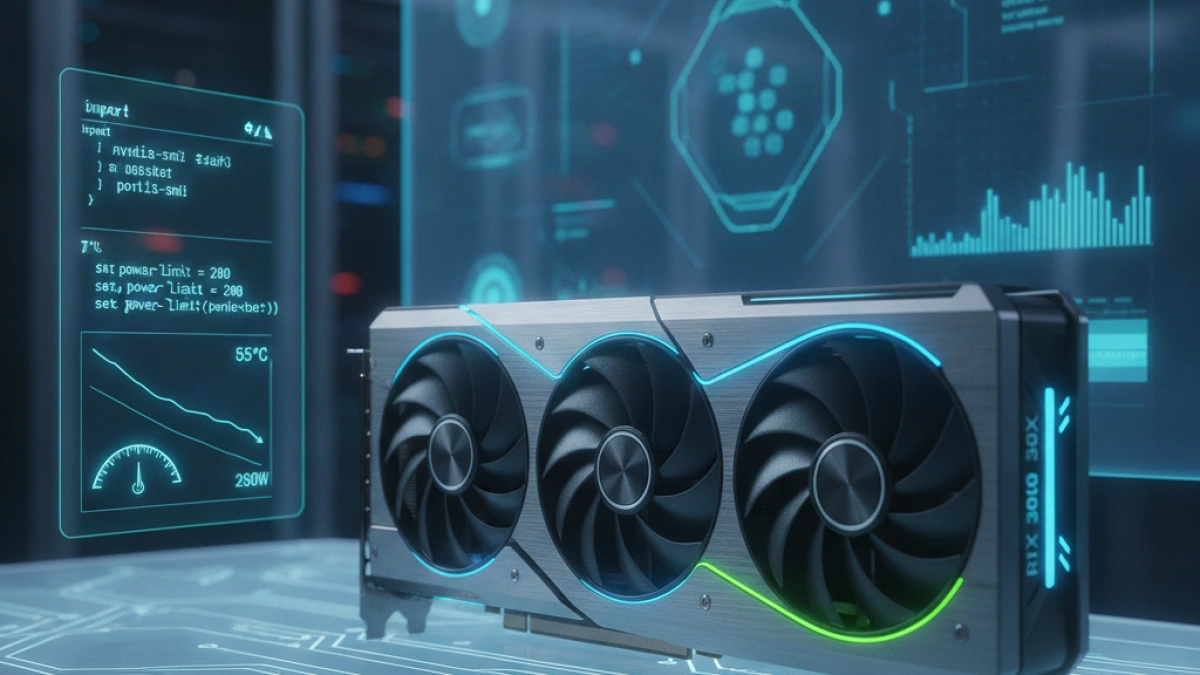
The RTX 3090, one of NVIDIA's most powerful graphics cards, provides impressive performance but also consumes a significant amount of power. Limiting its consumption to 280W can be an effective solution for those looking to reduce GPU temperatures without sacrificing too much performance. Below is a practical Python script designed to facilitate this adjustment, allowing users to monitor their graphics card's temperature and power consumption in real time.
Introduction to Power Limit
The most efficient and safest way to lower the temperatures of the RTX 3090 is to apply a Power Limit. Although the RTX 3090 can achieve similar results at 280W and 350W, operating at 280W generates significantly lower temperatures. This script provides a simple and straightforward way to modify this value without having to deal with voltage adjustments.
Python Script to Limit the RTX 3090
This script, which uses NVIDIA's official nvidia-smi tool, allows users to set a power limit and observe the GPU's thermal performance. Below is the code that should be copied into a file named limit_gpu.py.
Read also

import os
import subprocess
import time
import sys

def get_gpu_stats():
    """Fetches real-time GPU data."""
    try:
        result = subprocess.run(
            ['nvidia-smi', '--query-gpu=temperature.gpu,power.draw,power.limit,utilization.gpu', '--format=csv,noheader,nounits'],
            stdout=subprocess.PIPE, text=True, check=True
        )
        temp, power, limit, util = result.stdout.strip().split(', ')
        return temp, power, limit, util
    except Exception as e:
        return None

def set_power_limit(watts):
    """Applies the power limit using sudo."""
    print(f"\n⚠️ Requesting administrator permissions to limit to {watts}W...")
    os.system(f"sudo nvidia-smi -pl {watts} > /dev/null 2>&1")
    print(f"✅ Limit applied to {watts}W.")
    time.sleep(2)

def monitor_mode():
    """Displays a dashboard that updates every second."""
    try:
        while True:
            stats = get_gpu_stats()
            if not stats:
                print("Error reading nvidia-smi.")
                break

            temp, power, limit, util = stats

            os.system('clear')
            print("="*45)
            print(" 🎮 RTX 3090 POWER & THERMAL MONITOR 🎮")
            print("="*45)
            print(f" 🌡️  Temperature:  {temp} °C")
            print(f" ⚡ Power:        {power} W / {limit} W")
            print(f" 📈 GPU Usage:    {util} %")
            print("="*45)
            print("\nPress CTRL+C to exit.")

            time.sleep(1)
    except KeyboardInterrupt:
        print("\nExiting the monitor...")

def main():
    os.system('clear')
    print("--- 🛡️ Thermal Shield for RTX 3090 ---")
    print("The RTX 3090 consumes ~350W by default. Reducing it to 280W decreases")
    print("heat drastically while only losing about 3-5% of performance.\n")

    print("1. Apply safe limit (280W)")
    print("2. Apply maximum savings limit (250W - ideal for local AI)")
    print("3. Restore factory limit (350W)")
    print("4. Just open the Monitor")
    print("5. Exit")

    option = input("\nChoose an option (1-5): ").strip()

    if option == '1':
        set_power_limit(280)
        monitor_mode()
    elif option == '2':
        set_power_limit(250)
        monitor_mode()
    elif option == '3':
        set_power_limit(350)
        monitor_mode()
    elif option == '4':
        monitor_mode()
    else:
        print("Exiting...")

if __name__ == "__main__":
    main()
How to Use the Script
To run this script and allow it to make changes to the GPU power limit, superuser permissions are required. Users should run the following command in their terminal:
python3 limit_gpu.py
When selecting an option to modify the power limit, the script will prompt for the user's password on Ubuntu only once.
Script Options
The script's menu provides several options for the user:
Read also

- Apply safe limit (280W): This option is ideal for achieving a balanced performance with low temperatures.
- Apply maximum savings limit (250W): Perfect for those doing local artificial intelligence tasks where energy efficiency is crucial.
- Restore factory limit (350W): Allows restoring the original settings of the graphics card.
- Just open the Monitor: For those who wish to observe the temperature and consumption without changing the limit.
- Exit: Closes the script.
Conclusion
Limiting the power of the RTX 3090 to 280W not only helps to reduce heat but also improves the longevity of the graphics card. With this Python script, users can easily customize their GPU's power consumption and monitor its performance in real time. Make the most of your RTX 3090 without compromising on temperature.
For more hardware and performance tips, feel free to explore more articles on my blog. Keep enhancing your setup!














