
Node.js 26 Becomes LTS on October 28: What Changes and How to Migrate Without Breaking CI

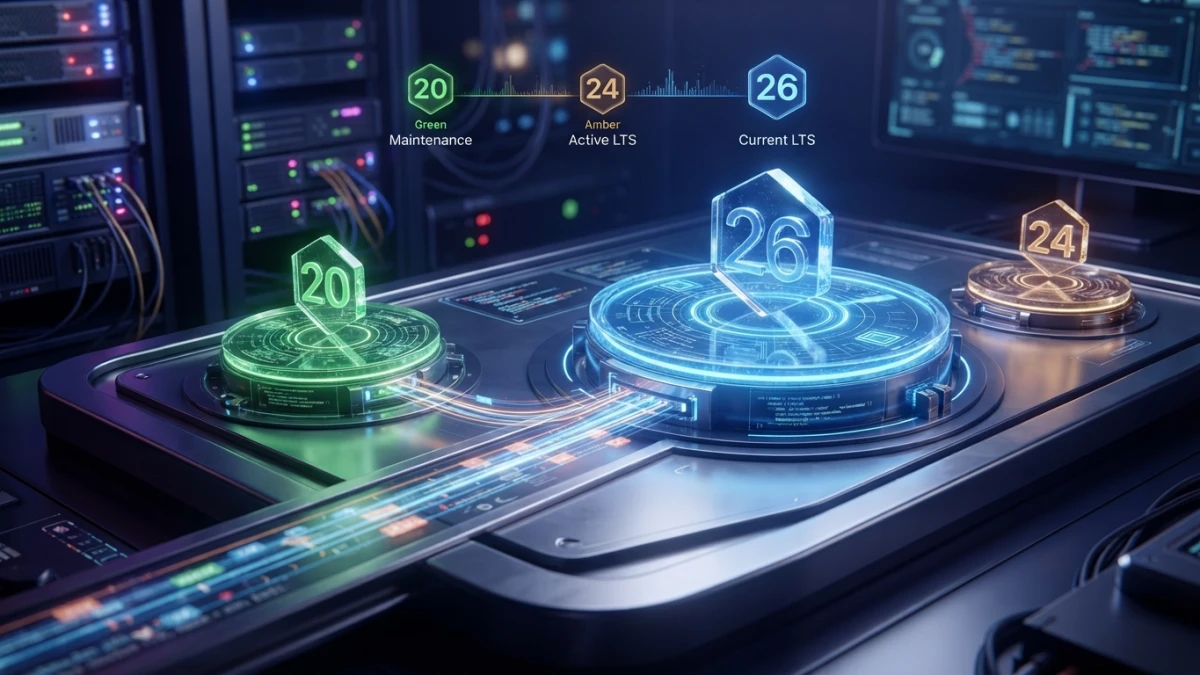
On October 28, 2026 Node.js 26 stops being the Current release and becomes LTS, right after Node 20 went unsupported and Node 24 moved to maintenance. What changes in Node.js 26 LTS, what breaks, and how to migrate without breaking CI.
The Dates That Matter Before You Touch Anything
This post is not about shiny features: it is about dates and about things that break. Before you change a number in a Dockerfile, make sure you know what each calendar label means.
What It Means for Node.js 26 to Become LTS on October 28, 2026
Every new release ships first as "Current": it is available, but that label does not say "run this in production". Six months later, even-numbered versions move to LTS, which is when the project guarantees fixes and recommends the jump. On October 28, 2026 it is Node 26's turn: that is the moment to migrate, not before.
Node 20 Unsupported Since April, Node 24 in Maintenance Since October
The project's official calendar (the schedule.json file in the nodejs/Release repository) pins three dates. Node 20 reached end of life on April 30, 2026: it no longer receives patches, not even security ones. Node 24 enters maintenance on October 20, 2026, a week before Node 26's promotion: it will still get critical fixes, but it is no longer the active line. Node 26 was born on May 5, 2026 with the Temporal API enabled by default, V8 14.6 and Undici 8.
Read also

How Long Node 26 Will Get Security Patches
Node 26 enters maintenance on October 20, 2027 and ends its cycle on April 30, 2029: about 30 months of support from the day it becomes LTS. Some blogs say "May 2029"; the date that counts is the official calendar's.
The New Model: From Node 27 Onward, One Major Release a Year, All LTS
Node 26 is the last release under the old model. From Node 27 the project moves to one major release a year, and all of them will be LTS. Node 27 enters alpha on October 28, 2026 and its final release is expected on April 22, 2027. The practical consequence: waiting for the next one stops making sense, because there will be no odd, throwaway versions.
What Node.js 26 Brings That You'll Actually Notice
Temporal Enabled by Default: No Flag, No Polyfill
The Temporal API no longer needs a flag or a polyfill: it ships enabled. If you want the details on how to use it and how to migrate away from Date, the blog already has a practical guide to the JavaScript Temporal API. Here it is enough to know that Node 26 has it available with zero configuration.
V8 14.6 and Undici 8: What Changes Under the Hood
V8 14.6 is the JavaScript engine: it brings new language methods without you upgrading anything. Undici 8 is the HTTP client behind fetch: if your code depends on fine-grained HTTP behavior, test it, because a major bump in the client shows up at the edges.
New Utilities: Map.upsert, Iterator.concat and the util Helpers
The 26 line added utilities across its minor releases: Map.upsert to write or create an entry in one shot, Iterator.concat to join iterators without materializing arrays, and helpers such as util.throttle() and util.debounce() that used to come from a library. It also picked up crypto.parsePKCS12(), fs.openAsBlobSync() and a new histogram in perf_hooks.
node:ffi: Calling Native Libraries Without Writing an Addon (Experimental)
node:ffi lets you call dynamic libraries from JavaScript without writing a compiled addon. It arrived in the 26 line behind a flag and in 26.9.0, released on September 16, 2026, it became enabled by default. The honest message: it is handy for prototypes and still experimental, not a foundation for critical production, and with the Permission Model enabled it requires granting explicit FFI permission.
What Breaks: Removed and Deprecated APIs
Removals: writeHeader() and the Legacy API Cleanup
Node 26 cleaned up APIs that had been warning for several major versions. The most cited example in the release notes is http.Server.prototype.writeHeader(), which is gone: use writeHead() instead. Some internal stream modules people used by accident disappeared too. Confirm the full list against the official Node 26 documentation, not from memory.
Deprecation Warnings You'll See in Your Logs (url.parse and Friends)
Some warnings break nothing but clutter your logs. The classic case is DEP0169, the deprecation of url.parse(), which fires at runtime and shows up even when the caller is a dependency rather than your code.
Why Today's Warning Is Tomorrow's Breakage
A deprecation is the only advance notice you get: first a warning, then the behavior gets standardized, and in a later major the function disappears. Cleaning warnings today prevents tomorrow's writeHeader is not a function.
The Biggest Breakage Risk: Native Modules and Dependencies
What a Prebuilt Binary Is and Why It's Tied to the Node Version
A native module is a part of the package written in C, C++ or Rust that compiles against a specific version of the runtime. Many maintainers publish prebuilt binaries for supported versions. If there is no prebuild for the 26 line, your install will have to compile the module at deploy time, and that is where failures appear: a missing header, a changed symbol, a build image without the toolchain. Anything touching databases, crypto, compression or images is suspect by default.
How to Spot the Problem Before You Deploy
Check which dependencies ship binaries and who publishes them:
npm ls --depth=0
npm ls --all | grep -i -E "node-gyp|prebuild|nan"
Also look for the engines field in each dependency's package.json: if it declares a range that excludes Node 26, you already know there is work pending. And always test in a clean container, without your machine's build cache: it may compile locally and fail on the server.
Step-by-Step Migration Checklist
Step 1: Inventory Every Place the Node Version Lives
- The
enginesfield inpackage.json. - The version file:
.nvmrc,.node-versionor the Volta config. - The base image in the
Dockerfile. - The CI workflow matrices.
- The control panel of the platform where the service runs (managed hosting, serverless).
Step 2: Test Node 26 Locally With nvm, fnm or Volta
- Install the version alongside the current one and switch only inside the project folder.
- Run the test suite and the build.
- Read the deprecation warnings in the output: they are the early notice of what breaks next.
nvm install 26
nvm use 26
node -v
npm test
Step 3: Review Dependencies, engines and the Lockfile
- Update anything that declares an incompatible
enginesrange, or none at all. - Check native modules and look for a prebuild for 26.
- Regenerate the lockfile deliberately: if you touch it, review the diff before committing.
Step 4: CI, Docker and the Actions Runtime
Here is the surprise many teams hit. GitHub Actions removed Node 20 from its runners in late September 2026, and JavaScript Actions now run on Node 24: that is a different runtime from the one your run: steps use, and it is configured separately. Pin the version in the matrix and bump your test version too, so CI and production do not run different runtimes.
- uses: actions/setup-node@v4
  with:
    node-version: 26
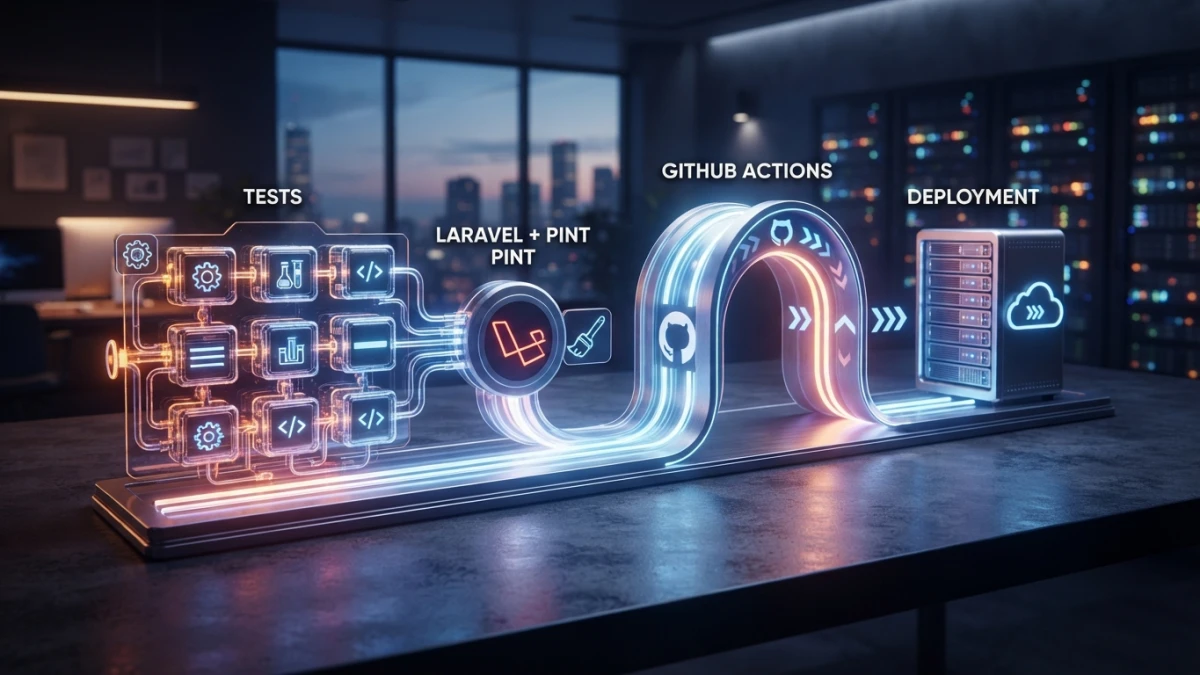
If you built your pipeline with Laravel and GitHub Actions, the CI/CD with GitHub Actions tutorial gives you the workflow foundation.
Step 5: Canary Deploy, Metrics and a Rollback Plan
- Deploy one instance, or a percentage of traffic, on the new version.
- Measure error rate, p95 latency and memory use across a full cycle.
- Write the rollback before you need it: restore the previous image and pin the version.
Errors You'll Hit and How to Fix Them
writeHeader is not a function
Something in your dependency chain calls an API that no longer exists. Search for it in your code and your dependencies, and migrate to writeHead(); if it comes from a library, update it or replace it.
Logs Full of DEP0169 (and Why It May Not Be Your Code)
The url.parse() warning usually arrives from a dependency. Find the package in the warning's stack trace and update it; if the maintainer has not migrated, consider replacing it.
A Native Module That Won't Compile on the New Version
This is the most predictable failure. Before forcing a compile on the server, look for a package version with a prebuild for 26, or compile inside the Docker image itself with the build tools available.
Platforms That Don't Offer Node 26 Yet
In managed environments the decision is not yours: stay on the newest LTS they do offer. Node 24 is still supported and a valid choice while you wait.
Conclusion: When to Migrate and When to Wait
The jump is urgent if you are still on Node 20: you have been without security patches since April. If you are on Node 22 or 24 you have room, and that room is good for what matters: testing dependencies with native modules without pressure. The practical recommendation is to migrate shortly after October 28 rather than on the day itself, so the ecosystem publishes prebuilds and managed platforms add the version. If a critical module is not ready, waiting is the right call, not a defeat. And if you want to go deeper into what the language brings with this runtime, the blog has the Temporal API guide, so you can start with the part you can already use today.














